
Hokio
Secure public webhooks, URLs and WebSockets for local apps
 Mahmoud NaderLive with paying users

Inspect, edit, audit, and extract design systems from any website.
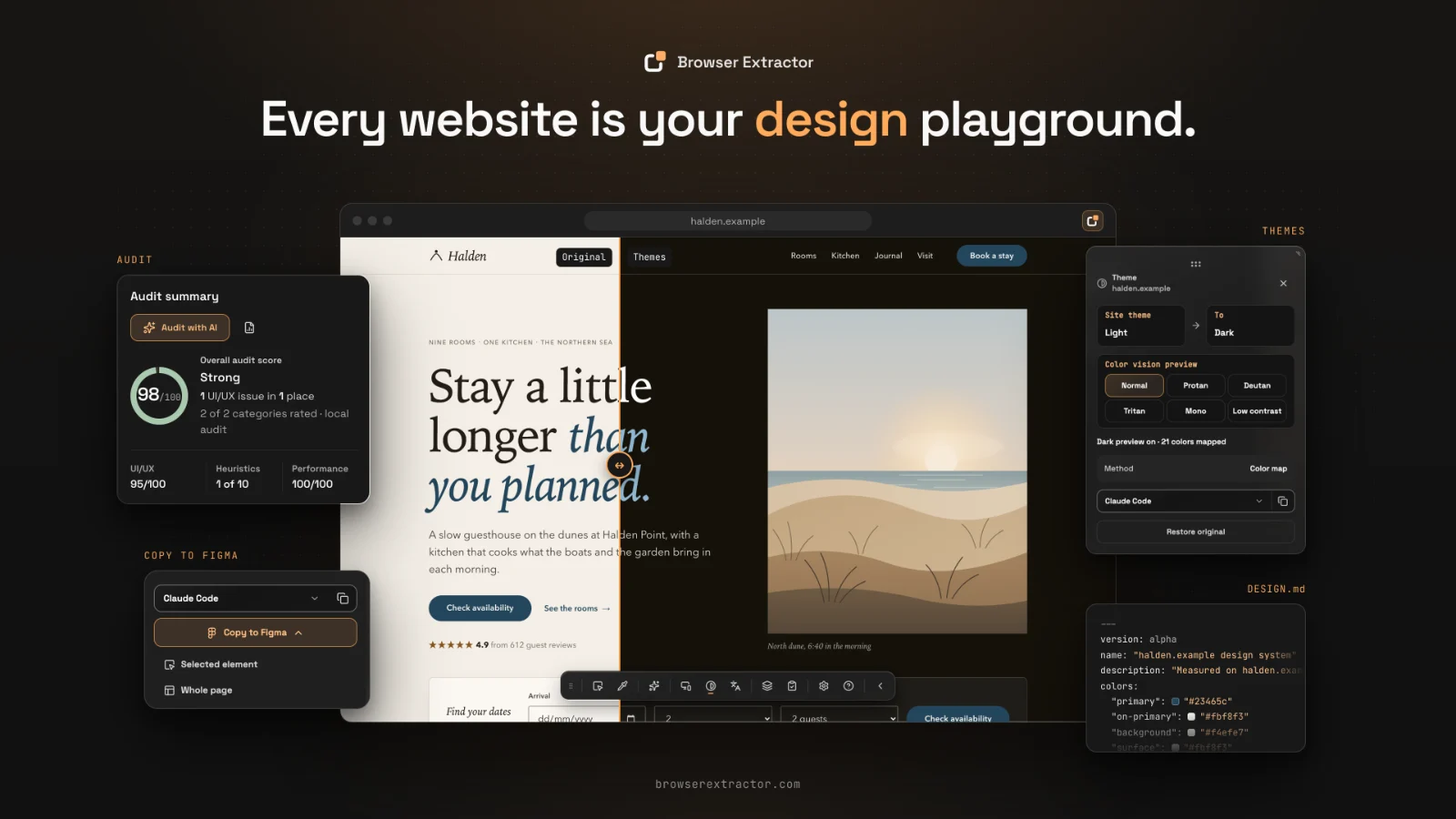
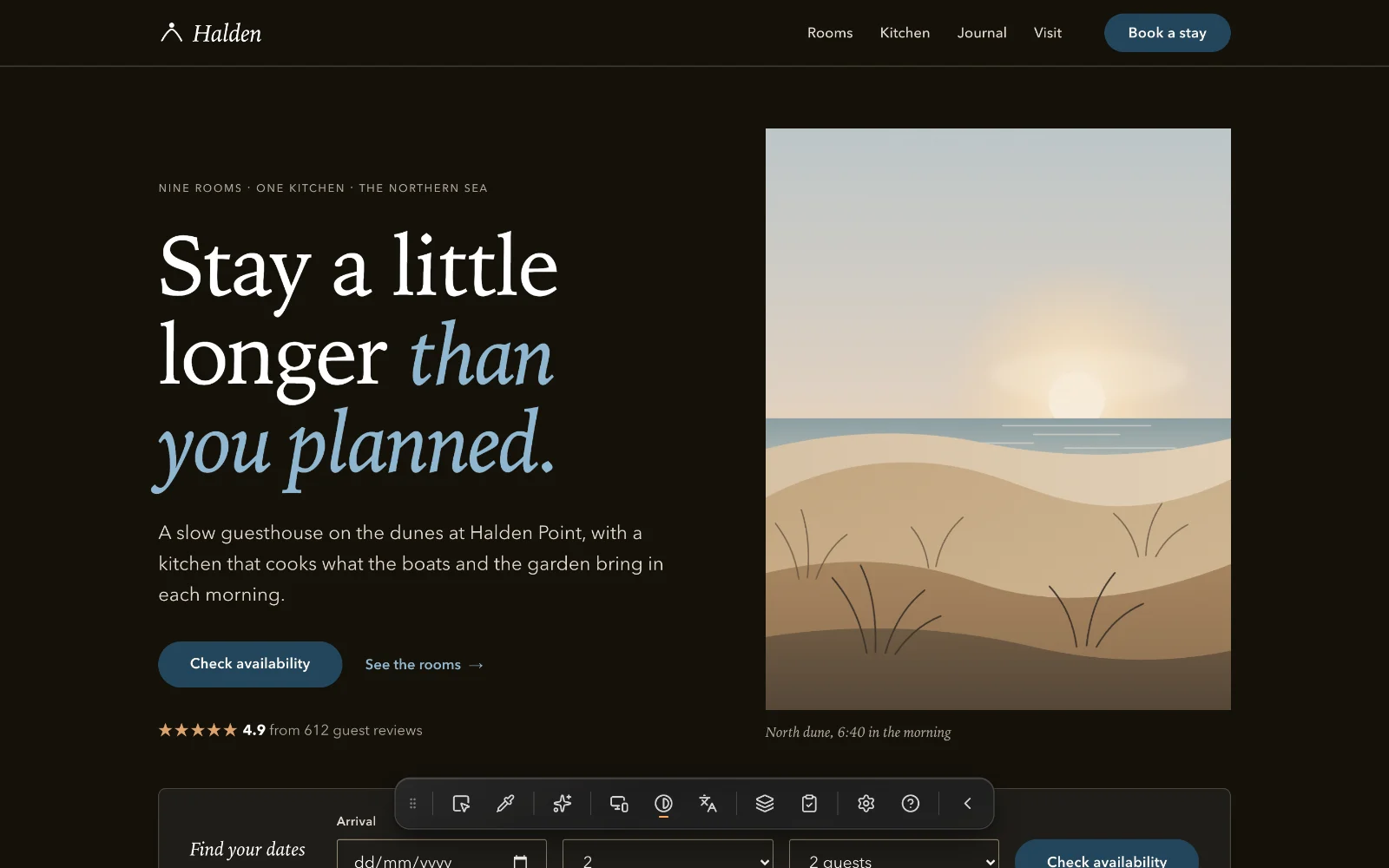
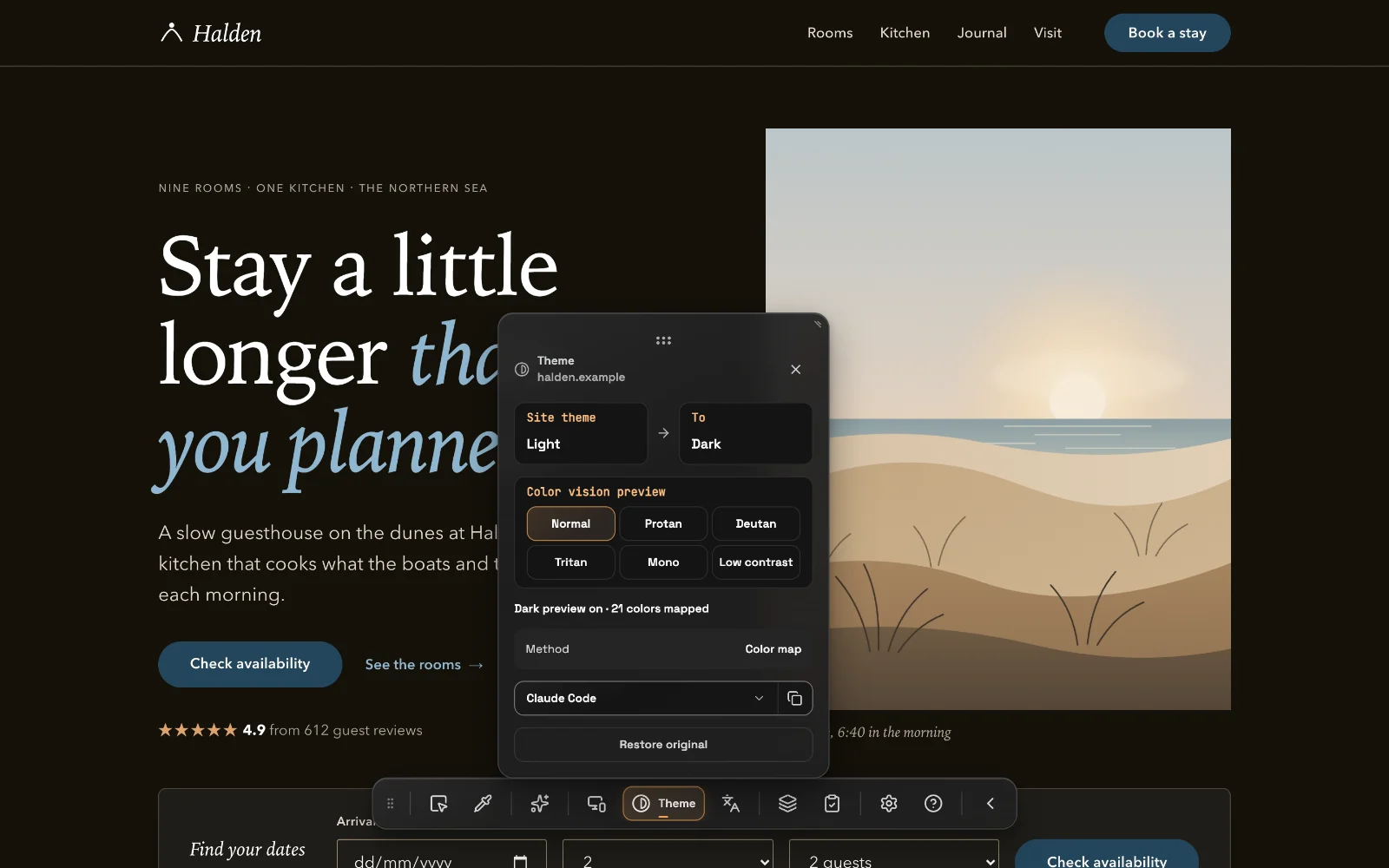
Browser Extractor is a Chrome extension for designers, developers, and product teams who want to understand and improve websites without switching between tools. Inspect elements, make live visual edits, extract colors, typography, and assets, compare layouts across devices, and audit usability, accessibility, and performance. Export design tokens, detailed reports, and AI-ready prompts to streamline design reviews, development, and handoffs. Free to start, with Pro features for deeper workflows.
1 month
I used ChatGPT to turn my product notes and requirements into clearer prompts. Claude Cowork helped me brainstorm feature ideas and explore different ways an interaction could work. Once I chose a direction, I used Claude Code to build the extension from my specs and refine it based on my feedback. For the landing page, I used Antigravity and Claude Code together to bring the design to life.
I came up with the idea for Browser Extractor and defined what it should help designers do during a website review. I benchmarked similar products to see how they handled inspection, what worked well, and where I saw gaps. I used those findings to decide which features to build and wrote the product specs, interaction rules, and acceptance criteria. For the inspector, that meant deciding what a designer should see when they click an element, how edits should behave, and what they should be able to copy or export. I reviewed each build against those criteria and decided what needed another pass
“I learned to be specific about what “working” means. It was easy to ask AI to build an inspector. The harder part was deciding what a designer should see when they click an element, then testing it on”
Members discuss products in the community's WhatsApp groups. Not a member yet? It's free to join.
Browser ExtractorVisit
Secure public webhooks, URLs and WebSockets for local apps
Mahmoud NaderLive with paying users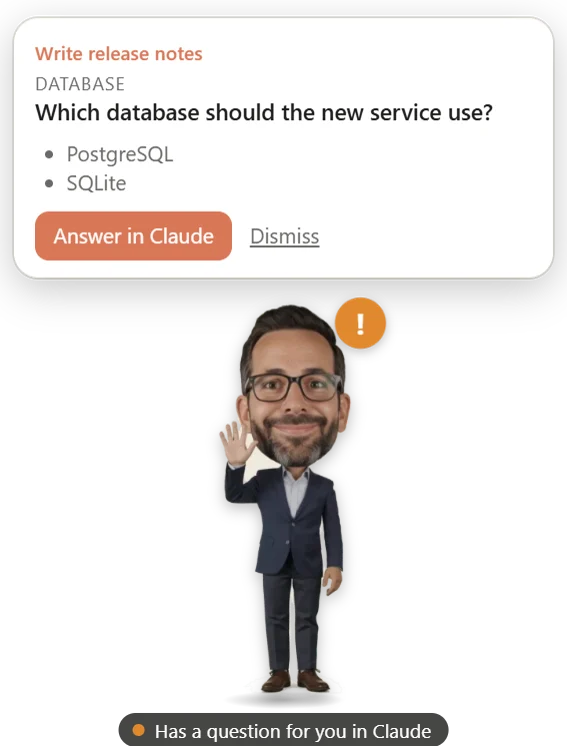

A desktop companion that shows what your Claude Code sessions are doing
 Mohamed EssamLive
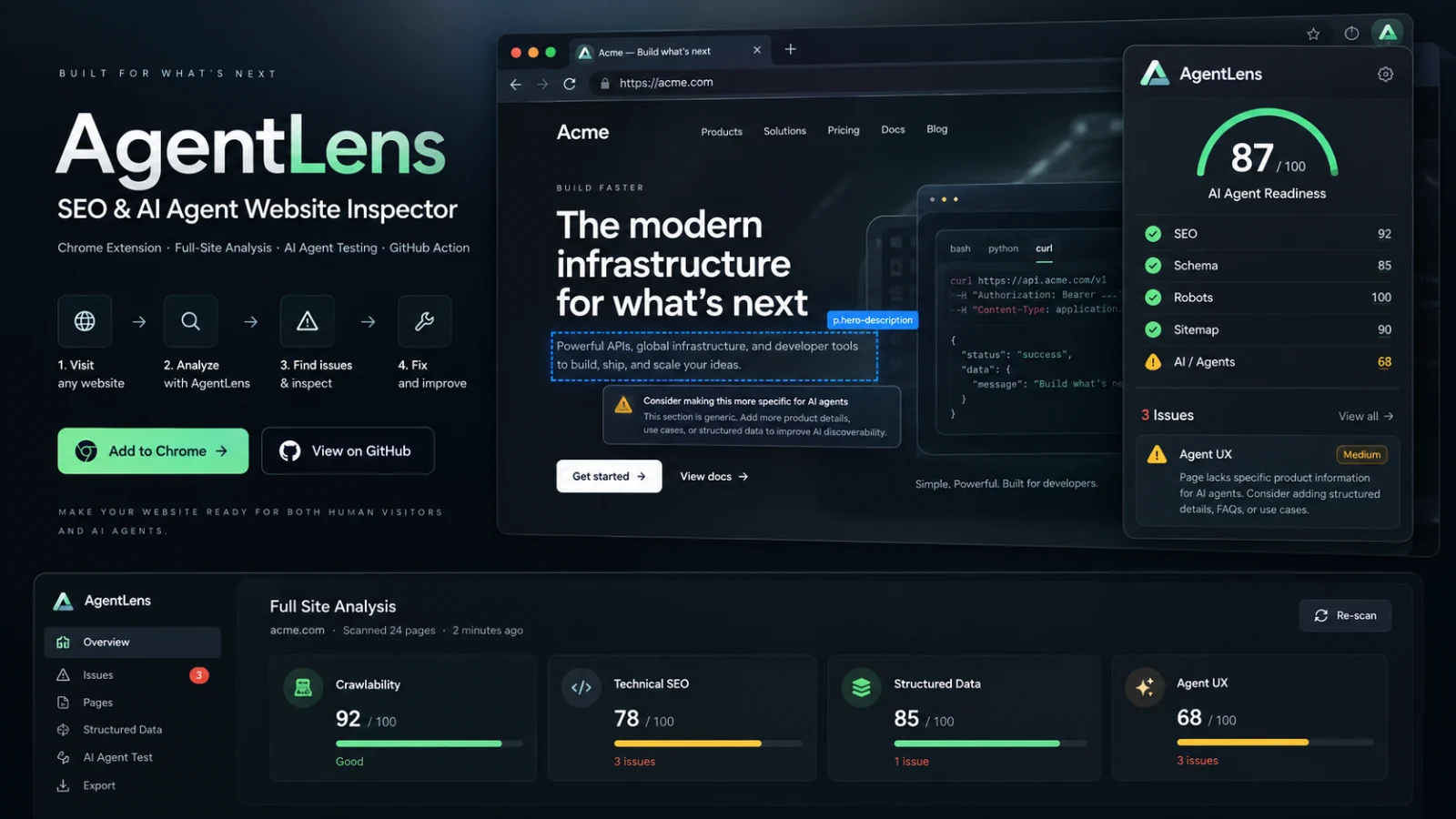
search crawlers AI crawlers fetch-based agents coding agents automated tooling
 Hazem ElhelbawiLive